

















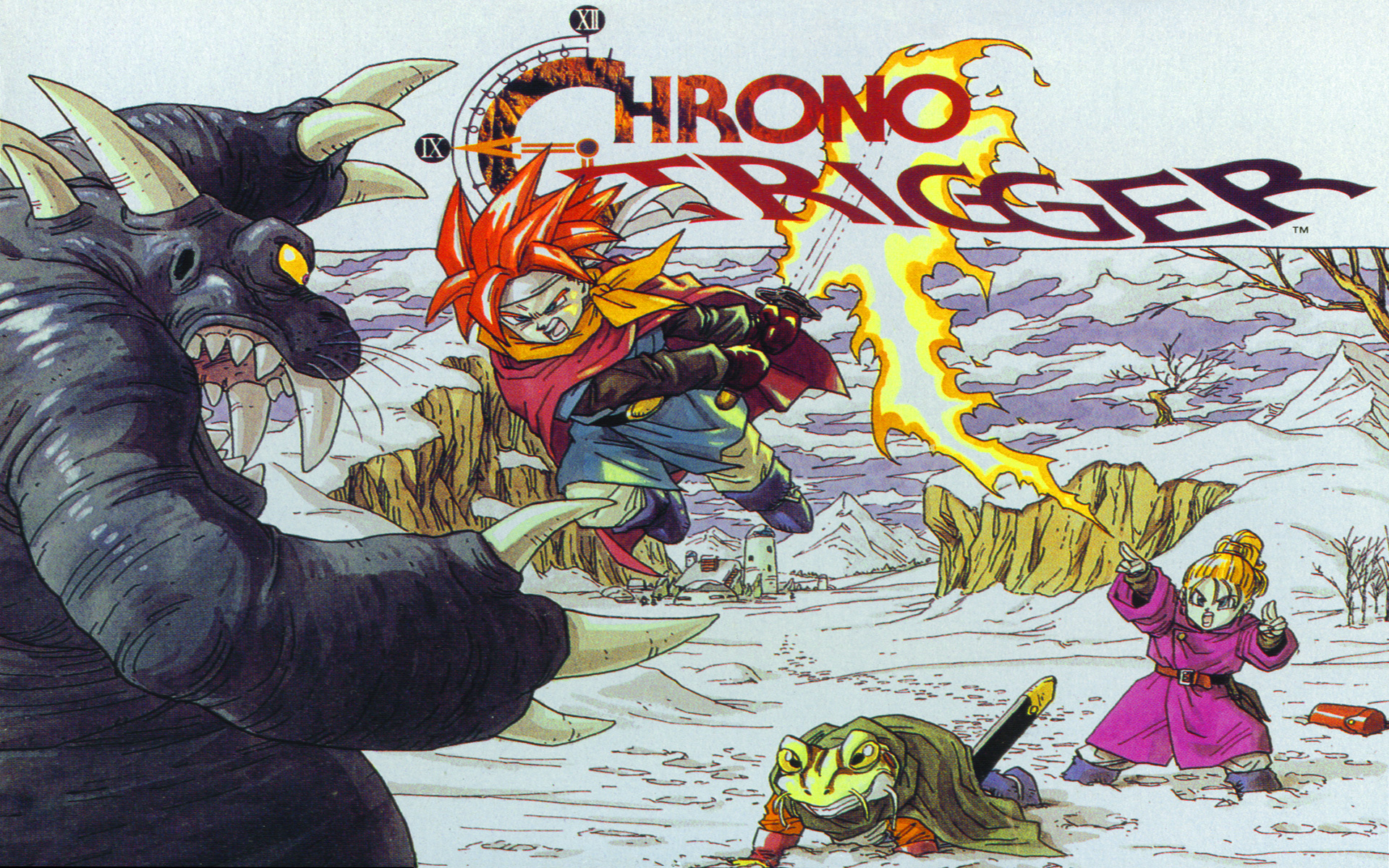
Square Enix have released the fifth and final update for the PC port of Chrono Trigger.
The following adjustments and updates include the following:
- Key binding function implementedKey binding functionality for game pad, keyboard and mouse controls has been implemented to improve the game controls.
- When using a game pad, you can now change some of the button settings from the game menu or title menu by going to settings -> controller settings -> game pad settings.
- When using a keyboard, you can now change the various key settings from the game menu or title menu by going to settings -> controller settings -> keyboard settings.
- When using a mouse, you can now click the right mouse button to cancel. You can confirm using a left click, and move characters and cursors by dragging the mouse. Changes to the mouse settings in the operating system will also be reflected in-game.
- An extras section has been added!This has been added to the title menu. After completing the game, the following sections will be unlocked:
- Movies
View all movie scenes from the game - Illustrations
View various illustrations from Chrono Trigger - Sound
Listen to the BGM from the game - Endings
Can view any endings that have been unlocked
*Only endings that have been unlocked/viewed already will be viewable in the “Endings” option. All other content is unlocked at once.
*Please be aware that the game completion status prior to the update being applied will not be reflected. In order to unlock the extras and endings, you will need to view the game ending again after the latest update has been installed. - Movies
- Adjustments to various features
- The item selection window has been changed to adapt its size to the actual number of items in the player’s possession. Due to this, it is now no longer possible to leave gaps between items in the list.
- Movement settings have been re-implemented on the config. Screen. When set to “dash” the default movement speed will be running, and holding down the cancel button while moving will make characters walk. The “walk” setting is the opposite configuration.
- A confirmation dialogue is now shown when selecting “return to default” from the config screen.
- It is now possible to use direct keyboard input when entering names.
- A confirmation dialogue is now displayed when confirming entered names. If characters unable to be displayed in-game are used when entering a name, this can be checked when the dialogue is shown.
- The Simplified Chinese font used has been changed from the devices standard font, to one that better fits the aesthetic of the game.
- Bug fixes
- Issues where the game would sometimes not boot correctly on PCs with specific graphics cards installed has been fixed.
- Issues where some graphics and effects would not display correctly at specific screen sizes has been fixed.
- Several minor bugs have been fixed.